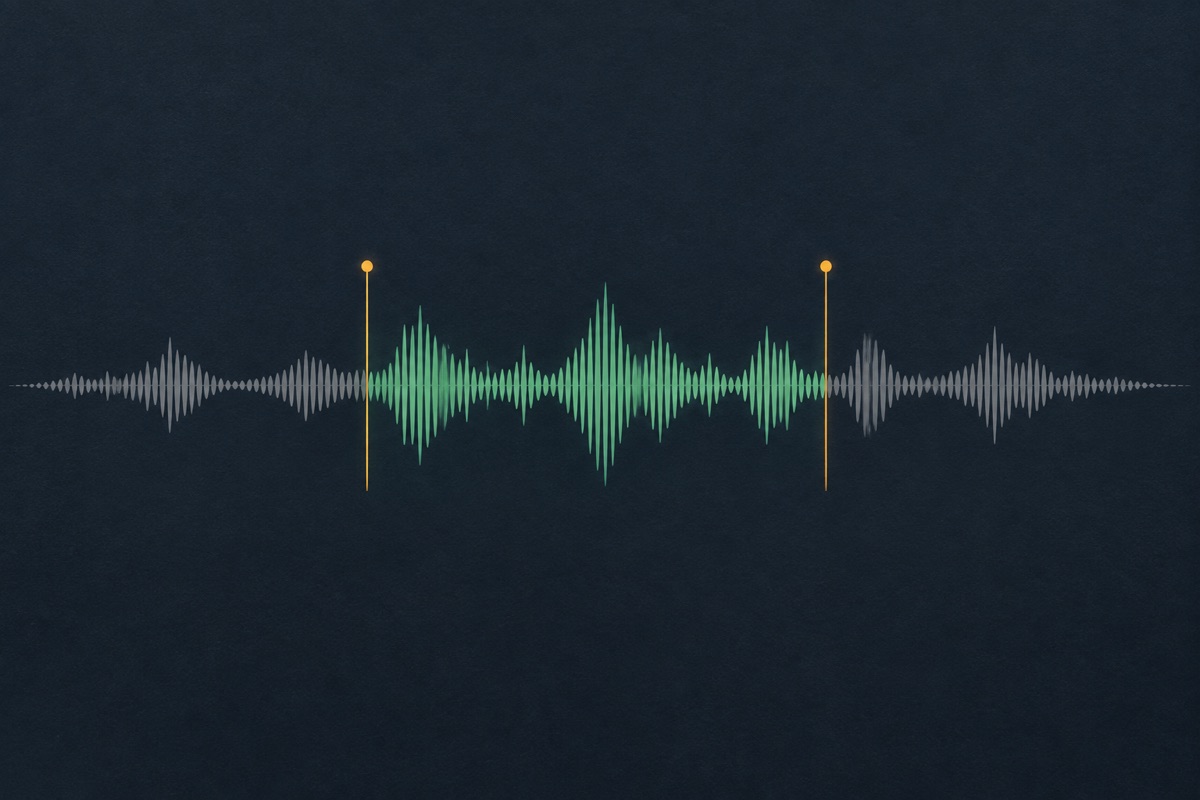
Two independent time controls
Set how long the audio takes to enter and how long it takes to leave. You can soften only the ending while preserving the original attack at the start.
Give a short recording a gentler entrance or ending. Set fade-in and fade-out lengths separately, listen to the result and download a new WAV.
Choose your file in the audio workspace, adjust the controls and download the result. Processing stays in your browser; no upload is required.
Files stay on your device. Download the result before leaving; refreshing clears the local edit.
Choose a browser-supported mono or stereo file up to 25 MB and 120 seconds. The input remains on your device. Use a recording whose beginning and ending already contain the material you want to keep.
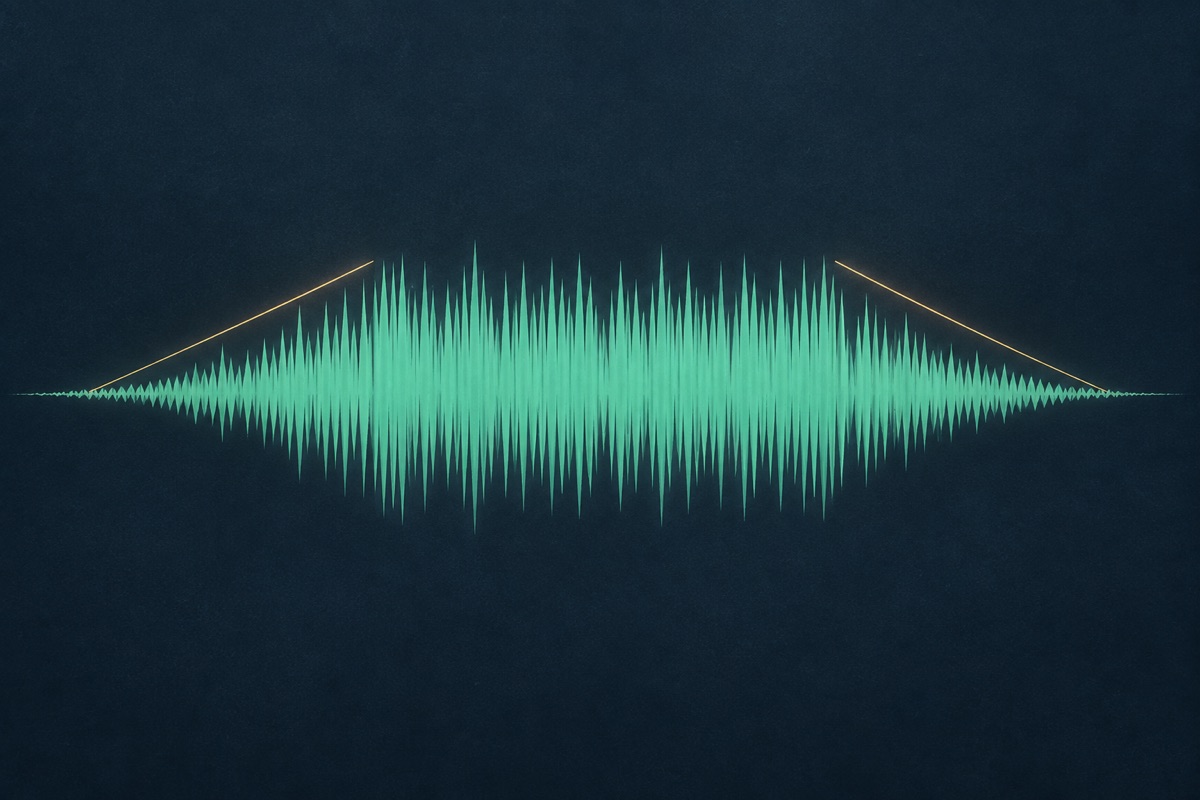
Set a fade in, a fade out or both. Zero means no fade on that side. The combined fade lengths cannot exceed the recording’s duration, so the two ramps do not overlap in this version.

Listen to the new beginning and ending, not just the center of the file. Check that a fade has not hidden a name, final word or important transient. Download the resulting WAV before refreshing or leaving the page.
Set how long the audio takes to enter and how long it takes to leave. You can soften only the ending while preserving the original attack at the start.
The processor scales the existing samples with a linear gain ramp. It does not generate new sound or guess where the next musical phrase begins.
Fading changes amplitude within the recording. It does not add silence, stretch the clip or claim to trim its length.
The chosen source is decoded and processed in the browser. The download is a real 16-bit PCM WAV, and no generation credentials or account are required.
A fade in raises the amplitude from silence over the selected interval. It can soften an abrupt beginning, but it can also hide the first consonant of a spoken name or weaken a drum hit that should remain sharp. Start with a short value and listen to the actual boundary. A longer fade is not automatically smoother if it removes the information the listener needs first.
This implementation uses a linear amplitude ramp. Perceived loudness does not change linearly for every kind of sound, so listen rather than choosing a duration solely from the waveform. The operation acts on the existing recording; it does not add a lead-in or detect the beginning of speech. If the source starts halfway through a word, a fade cannot restore the missing part.
Choose the fade by listening to the first meaningful sound, not by applying the same duration to every file. A soft music bed may have room for a gradual entrance, while a spoken name can lose its opening consonant if the fade covers too much of the word. Compare the unchanged recording with a restrained fade at the same playback level. The aim is to control the boundary, not make the whole clip quieter. If the source already begins too late, a fade cannot recover the part of the performance that is missing.

A fade out reduces amplitude toward silence at the end of the file. For a spoken cue, leave enough time to hear the complete phrase. For a music excerpt, consider whether the harmony and rhythm have reached a useful stopping point. Fading a cut can soften it, but does not make every arbitrary musical boundary sound resolved.
Echo and reverb tails are part of the audio being faded. A short fade can remove an excessive tail; it can also make a large room effect seem to collapse abruptly. Compare the treated ending at ordinary playback volume. Avoid compensating by turning your speakers up during the final second, because that changes the listening test rather than the file.
Listen beyond the last spoken word when choosing an ending. Reverb, a sustained note or a background texture may still be doing useful work after the line stops. Start the fade where that tail can reduce naturally without making the last word difficult to hear. Then test the file before the next clip in the real sequence. A pleasing isolated ending may leave too much space in a fast programme transition. Keep the source unchanged so you can try another fade, rather than applying several new fades to an already processed version.
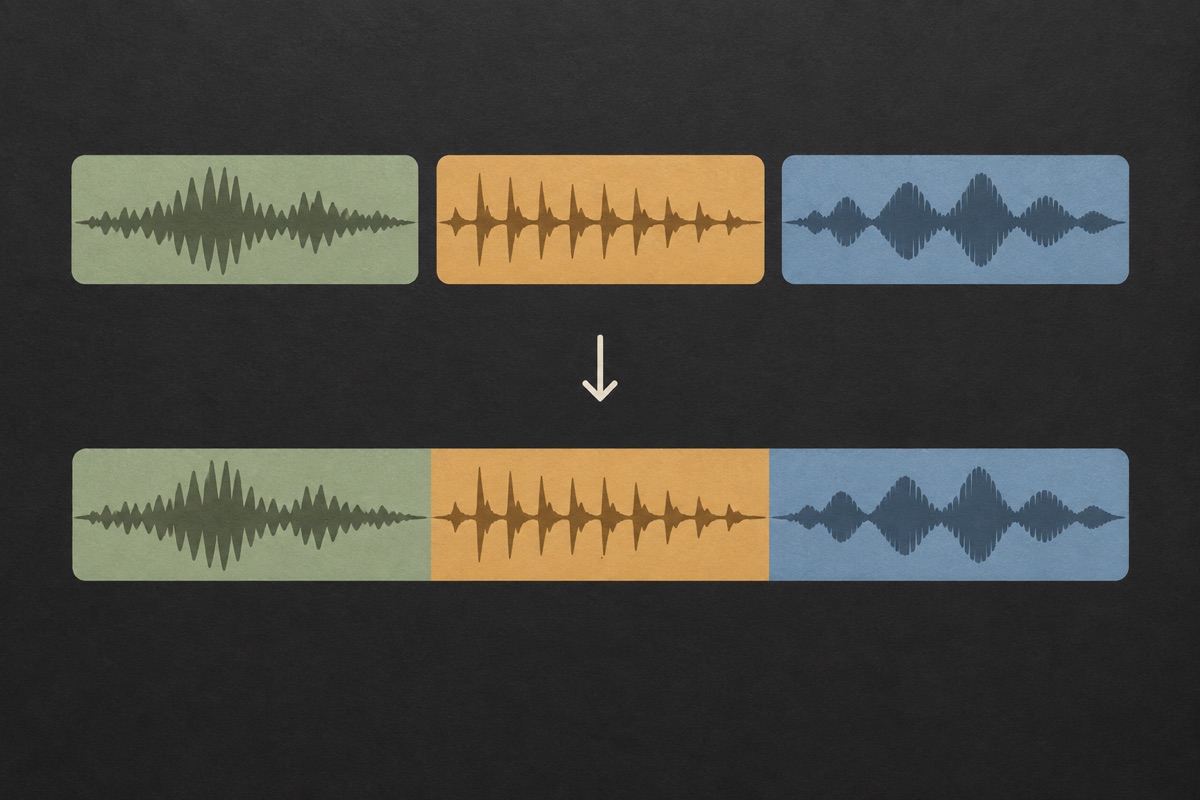
Use the trimmer first when you want a different time range, then apply a fade to the chosen boundaries. The fade tool keeps the same duration. When preparing clips for the joiner, a fade out on one file and fade in on the next can reduce abrupt edges, but concatenating them still does not overlap the recordings.
For a true crossfade, two sources need to play simultaneously for part of the transition. That is outside this simple two-control page. The agent’s voice mix can layer a dry recording over an included bed, while a full editor is more appropriate for arbitrary multi-track crossfades. Keep your original recordings and download each result so you can compare treatments without losing the source.

Let a short voice tag end gently when its added effect feels too abrupt. Keep the final syllable audible, and compare the treatment over the beat where the tag will actually play.
Create a less abrupt ending for a closing cue. If the host’s final call to action is part of the file, start the fade late enough that the destination or instruction remains understandable.
Shape the edge of an owned musical recording after selecting a useful phrase. A fade is an amplitude edit, so still check whether the selected phrase makes musical sense.
No. The tool adds a new envelope to the samples. If a previous fade has already reduced the signal toward silence, this operation cannot recover the original amplitude or missing information. Return to an unfaded source when you need to choose a different ending.
Yes. Set zero for the side you want to leave unchanged. For example, a zero-second fade in and a half-second fade out preserves the beginning while shaping the final half second. Listen to confirm that the ending still contains the complete intended phrase.
This version keeps the two ramps separate. Their combined duration must fit inside the clip. If a recording is very short, reduce one or both values. A more complex overlapping envelope would need a separate, clearly defined editing behavior.
No. The sample count and duration stay the same. The ending becomes quieter within the existing length. If you need a shorter deliverable, select a new range with Audio Trimmer first, then apply a fade to that result.
No. A crossfade overlaps two sources. This page changes the amplitude at the edges of one recording. You can prepare separate faded clips before joining them, but that concatenation remains a sequence rather than simultaneous playback.
The result exists as a temporary browser preview until you download it. The source is not uploaded and the edit does not appear automatically in My creations. Refreshing clears the local result, so save the WAV before you leave the page.
There is no single duration that suits every voice recording. Begin with a short, restrained change and listen for the first consonant and the last useful sound. A fade that works on a music bed can be too long for a quick name tag. The controls let you set each end separately, so you do not need to force a symmetrical result. If the clip already has clean boundaries, leaving one side at zero may be the better choice. Judge the exported audio in its intended context rather than choosing a number only because it looks tidy.
A fade at the start or end changes the level of the whole selected recording over that interval. It does not automatically detect speech or lower a separate music track whenever someone talks. If voice and music are already mixed into one file, both are affected together. For a voice-over-background balance, use the Agent mix controls with the saved voice source, or a suitable editor with separate tracks. This page is useful for shaping the edges of a finished clip, not for replacing a complete ducking or multitrack mixing workflow.
A fade may soften the abrupt edge, but it cannot restore syllables that have already been removed. Return to the original recording and choose a cut that keeps the word complete before adding the fade again. Listen without reading the script to check whether the name or message is still easy to understand. This distinction matters for producer tags, station IDs and adverts where one missing consonant can change the perceived wording. Keep the edited file as a separate download so you can compare it with the source rather than losing your reference.
The browser creates a new WAV result while leaving the selected source file unchanged. The duration remains the same because the operation adjusts gain at the boundaries rather than removing samples. Download the processed result before refreshing or closing the page; the temporary edit is not automatically saved to an account project. Inputs must fit the 25 MB and 120-second limits and be supported by the browser’s decoder. If you later choose a different fade, export another result and label it clearly so you do not mistake the first treatment for the final version.
Choose an existing recording, make the edit and download the result before leaving the page.