A signature with a reusable source
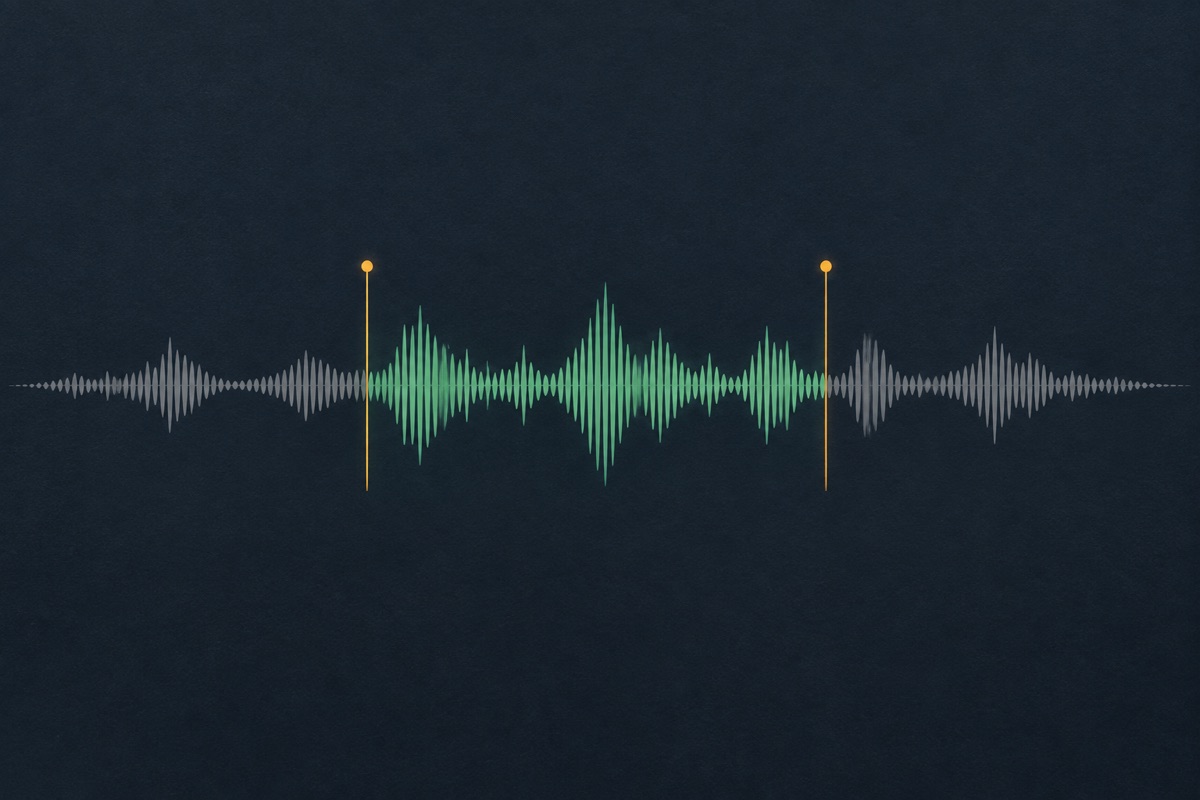
A successful spoken production keeps its original voice recording. Changing a background bed does not require another vocal take, so a tag can evolve across different tracks without unexpectedly changing your name.
Make your producer name part of the beat. Start with a short line or your own recording, check the pronunciation and compare clean and mixed versions.
Describe your idea in the agent, or upload your own voice recording to start a mix.
Sign in to save a private project. Audio editing tools work without an account.
Upload audio you have the right to use. Generated voices are AI-synthesized.
Give the agent your producer name and the exact words to say. If the spelling is unusual, add a plain-language pronunciation, such as “Marlow, MAR-low”. Mention whether the tag sits over a busy beat or in an empty intro.
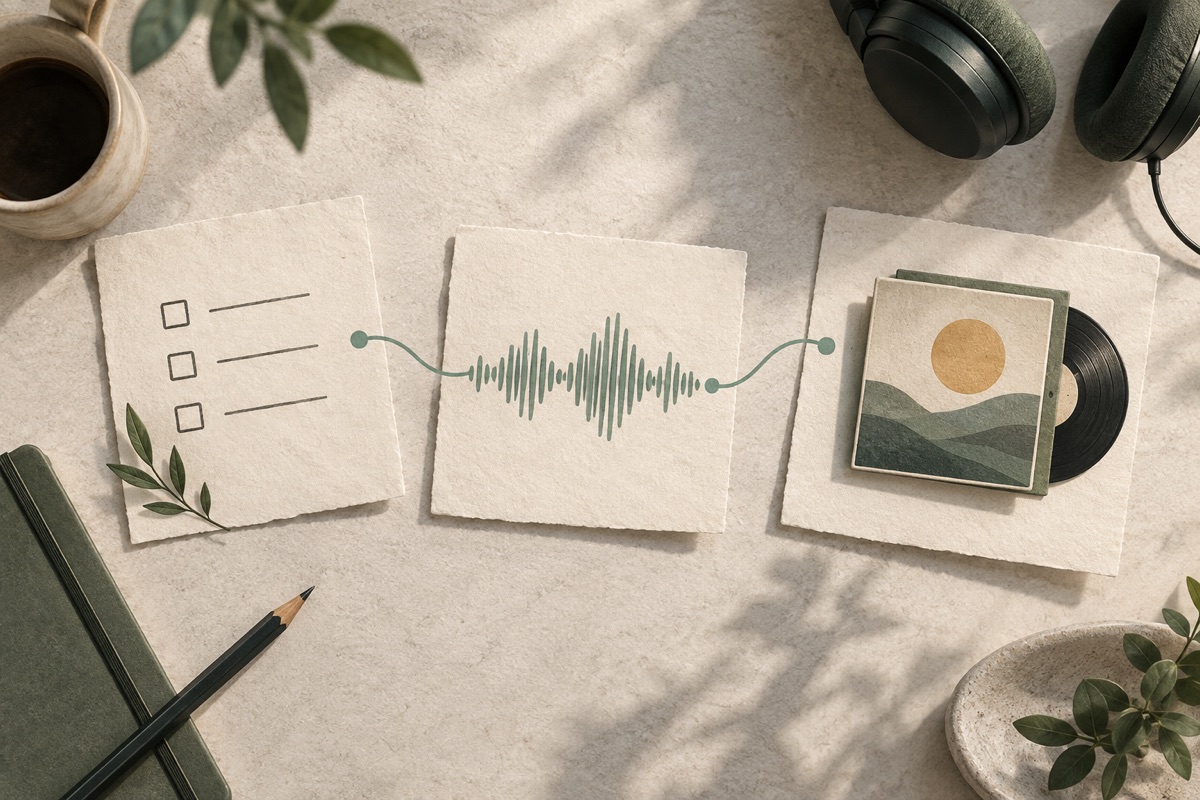
The agent keeps your script, language, delivery and mix instructions together. Review the production quote before confirming. If you already have a recording, upload it instead; a remix uses that recording without generating a new voice.

Play the result, download the dry voice and compare it over your beat. Ask for less background, a shorter tail or no echo. Keep the version you prefer and return to its conversation when your next track needs an adjustment.
A successful spoken production keeps its original voice recording. Changing a background bed does not require another vocal take, so a tag can evolve across different tracks without unexpectedly changing your name.
A slower reading or corrected pronunciation needs new speech. A quieter bed or shorter ending only changes the mix. The quote identifies which operation you are confirming and shows its quoted credit cost.
Your conversation and completed versions remain associated with your account. Listen to alternatives, download the actual WAV files and reopen the same project instead of reconstructing a brief from memory.
Producer tags are spoken signatures for beats. This page does not send a short spoken request to a full-song generator or present a musical track as a finished voice tag.
A producer tag often has one job: make the name recognizable without interrupting the track. Start with the name alone or one short phrase. “Marlow on the beat” is a writing example, not an audio sample. If the name has several syllables, leave room for them instead of packing in another slogan. A sparse instrumental intro can support a longer phrase; a vocal-heavy section usually benefits from less competing speech.
Include a phonetic spelling when the written name is ambiguous. Explain which syllable carries emphasis and whether an acronym should be read as letters. Listen to the dry recording first. If the name is wrong there, reducing background music cannot fix it. Request a new pronunciation and review the new speech quote before spending production credits.
A beat tag maker is most useful when you already know what the signature needs to say. Read the line aloud over a rough version of the beat and mark the moment where it should enter. If the phrase competes with a vocal pickup, move it or shorten the wording before making another take. Keep a pronunciation note with the project, particularly when collaborators pronounce the same name differently. Decide whether the name alone communicates enough; an extra catchphrase should earn its place by making the identity clearer.

Echo can give a short name more presence, but its tail also takes up room after the phrase. Compare a dry tag with a restrained mixed version at a comfortable listening level. Check headphones and a small speaker, then audition the file in your own music session. UEG provides a preview and a downloadable file; it does not automatically place the tag on a beat or master the surrounding song.
The available background choices are original synthetic beds: a percussive pulse, warm chords and a sparse airy texture. Choose no bed when your beat already provides the music. Intro and outro values add space around the voice. The result displays the duration measured from the rendered audio, rather than repeating the desired length as if it were a measurement.
When comparing treatments, play them at a similar listening level. A louder version can seem more impressive even when its words are less clear. Check the first consonant, the end of the name and any echo that extends into the next musical event. Keep one dry reference so the person mixing the beat can place the voice without inheriting an effect they cannot remove. The producer tag generator supplies a source and a treatment to evaluate; the final placement inside your song remains part of your own music session.

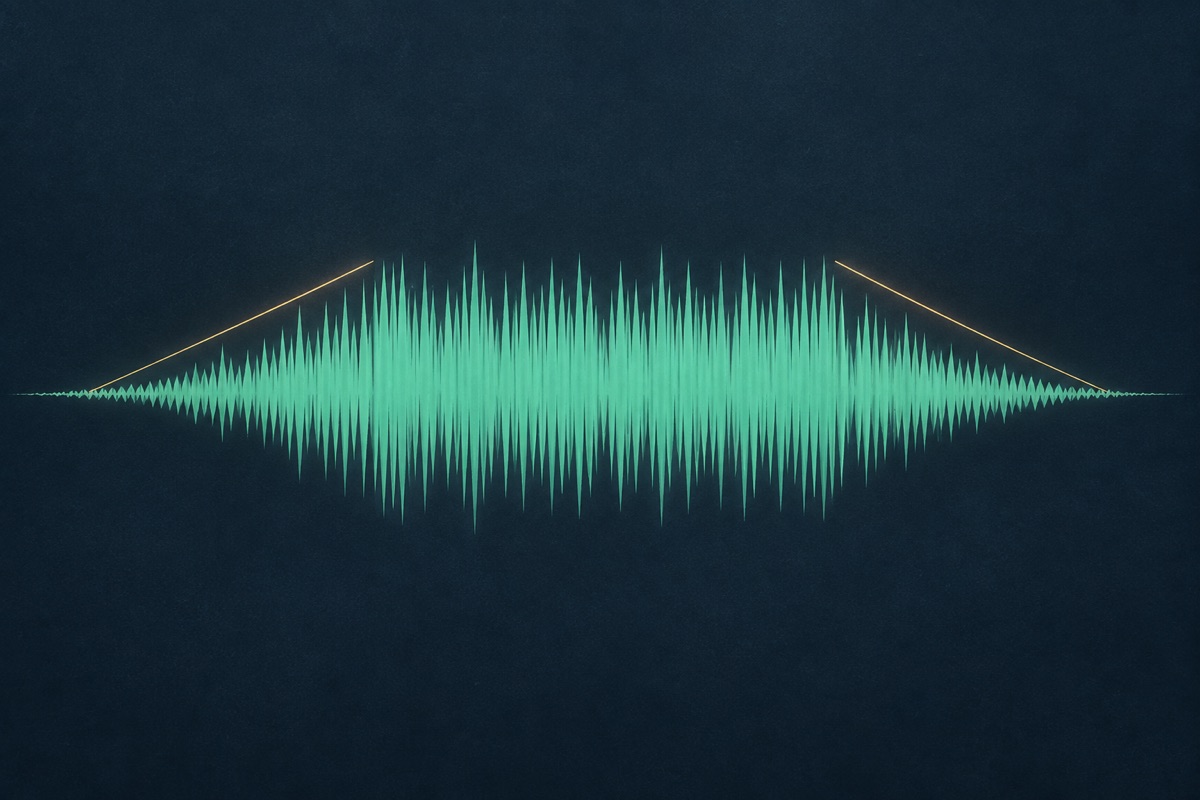
Once the name sounds right, keep the voice and refine the mix. The same dry recording can be paired with a quieter background, a shorter ending or less echo, while the earlier result remains available for comparison. This gives you another treatment of the performance you already liked. New words or a different pronunciation need a new take instead; check the quote so you know which change you are making.
Changing the spoken words, voice, delivery, language or reading speed creates a different vocal performance. That is a speech operation, not a free label change. Review its quote and keep the old take until you have compared the new one. Uploaded voice recordings can follow the same mixing path without pretending that UEG generated the voice.

Create a clean reference take for a collection of beats. Use a dry version on dense arrangements and a light effect version on open intros. Keep the pronunciation consistent while adapting the mix to each instrumental.
Send a dry WAV to the person mixing the track so they can place it in context. An already reverberant tag can be harder to fit around lead vocals; retaining the source gives the collaborator more control.
If an early tag masks a kick or clashes with a melody, reopen the project and change the bed or tail. Test the new version on the intended beat instead of deciding from an isolated preview alone.
A beat tag maker creates an audible signature. It does not edit album names, artist metadata or embedded cover art inside an MP3. If you need a producer name spoken over music, this is the relevant task. File metadata editing belongs in a separate audio metadata application.
Yes. Use Add your voice in the agent workspace. The browser decodes the file, converts it to WAV and uploads it to your private project. The recording must be mono or stereo, no larger than 25 MB and no longer than 120 seconds. Only upload recordings you are entitled to use.
Describe general qualities such as intimate, energetic, warm or low-pitched. UEG does not offer voice cloning or promise a replica of a named person. Use original wording and a voice you are allowed to use rather than requesting a recognizable person’s existing tag.
Speech timing depends on the text and performance. A target helps guide delivery but is not a guarantee. Leading space, echo and the outro can add time. Inspect the measured duration, shorten the script if necessary, or trim a safe ending without cutting off the name.
No fixed price is claimed here. The quote shows the cost for each operation and the agent displays it before confirmation. A remix reuses the voice; a new vocal take calls speech generation. If a service or its price is not configured, confirmation is unavailable and no production credits are deducted.
Check your right to the wording, any uploaded recording and the applicable voice or music service terms. A downloadable tag is not a guarantee of exclusivity, trademark clearance or freedom from automated rights claims. Keep a record of the sources used in the project.
Check the quote before confirming a new voice or mix. Free producer tag searches can refer to very different offers: a sample pack, a recording tool or a limited voice allowance. UEG shows the actual operation rather than promising unlimited generations. Its browser audio editors do not deduct generation credits, but a voice request is a separate action. If speech generation is unavailable, the workspace tells you so. You can still use a recording you own in the available upload-and-mix workflow and inspect its quote first.
Send the chosen dry WAV, any mixed version you actually want them to hear, and a short note describing the intended placement. Include the spelling and pronunciation of the name, because a collaborator should not have to infer them from an effect-heavy preview. Keep filenames understandable so a revised tag cannot be confused with the first take. If you are using a version with a long tail, mention that explicitly. UEG keeps project versions, but it does not automatically transfer a session into another person’s DAW or approve their final mix.
Choose a moment where the name can be understood without obscuring a lyric, drum fill or other important event. An open introduction, a pause before the first vocal or a deliberate transition may work better than a dense chorus. The right position depends on the arrangement, so test the actual file with the track. The tool does not listen to a full beat and automatically place the tag for you. If the phrase only works when played unusually loudly, try a shorter line or a different gap before increasing the level.
You can prepare separate projects or versions for different uses, while keeping the same name and pronunciation. A dry, close voice may suit a busy instrumental; a longer effect can have space in a sparse opening. Give each request a concrete direction and compare it on the intended track. Different words or a new vocal delivery need another take, whereas an effect adjustment may reuse the saved recording. Review the operation before confirming and keep a clean reference. A style description guides the request; it does not guarantee a particular performer or musical result.
Start with a short brief or a recording you own. Review the production quote, then listen and refine.