Words stay at the center
The workflow starts with the exact name and line. Music and effects support that message. You can download the dry voice when the track playing underneath already provides all the energy you need.
Put your name into a clear, short DJ drop. Describe the energy or bring your own recording, then shape a version that leaves room for the music.
Describe your idea in the agent, or upload your own voice recording to start a mix.
Sign in to save a private project. Audio editing tools work without an account.
Upload audio you have the right to use. Generated voices are AI-synthesized.
Tell the agent your DJ name, the exact shout and where it will play: an opening, a transition or a quick name check over music. Add pronunciation notes and the language your audience should hear.

Ask for an energetic, low, warm or restrained delivery. Review the script and production quote. A DJ drop uses speech generation or your uploaded recording; it does not need a complete generated song.

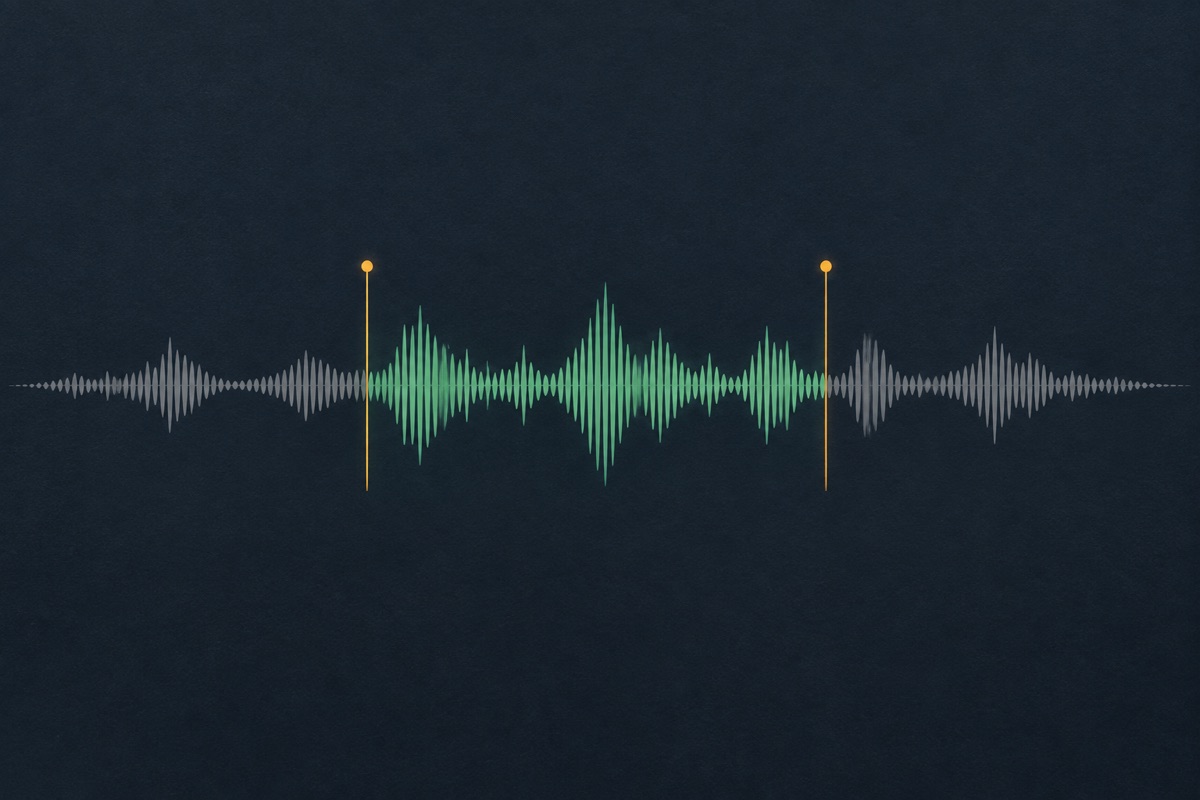
Listen to the rendered WAV and inspect its measured duration. Compare it in your own DJ software at a sensible volume. Ask for less bed, no echo or a tighter tail, keeping the original voice when only the mix changes.
The workflow starts with the exact name and line. Music and effects support that message. You can download the dry voice when the track playing underneath already provides all the energy you need.
Lowering a bed or removing an echo does not regenerate the speaker. The new mix points back to the same dry voice recording and appears as another saved version in your project.
Choose no bed for a drop that will sit over a live mix. Use an original pulse or a softer texture when preparing a self-contained transition for a recorded show.
The tool context follows you into the agent. Keep the name, pronunciation and purpose in a private project, then return from My creations when a new event needs an adjusted version.
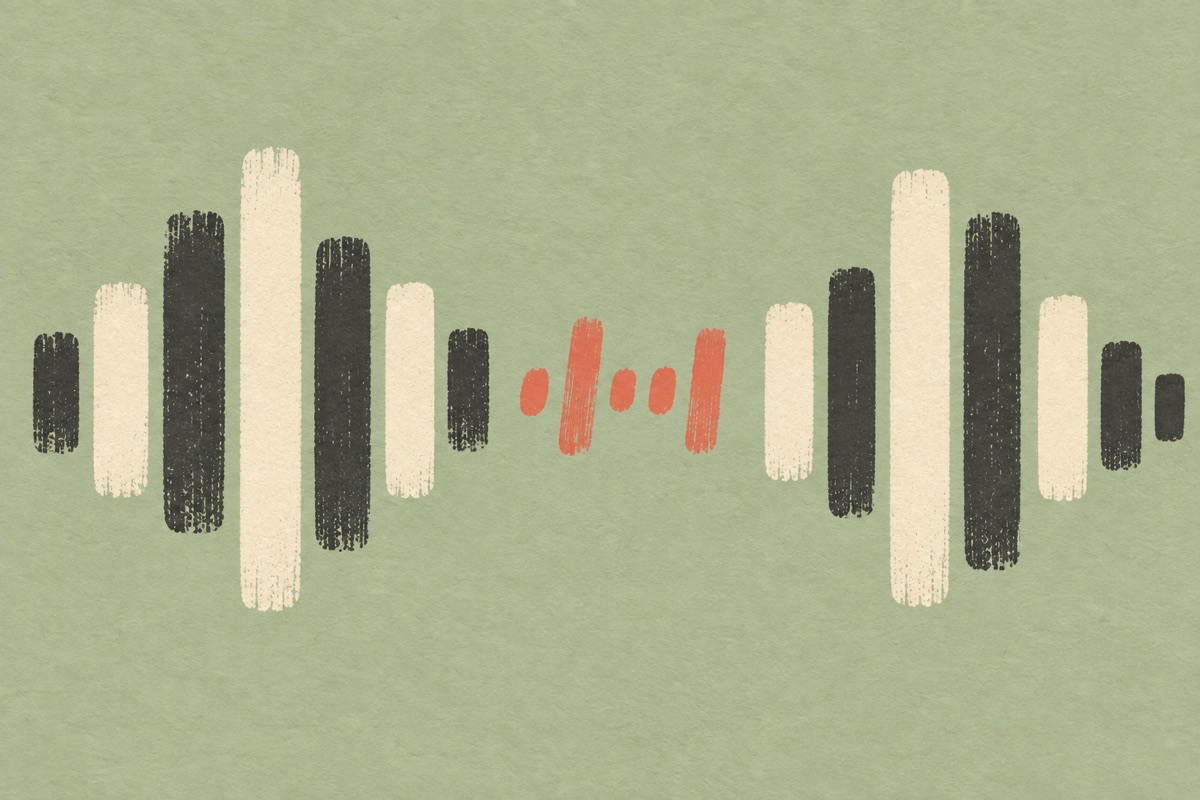
A short DJ name drop is different from a full introduction to a performer. It should communicate a name or a brief line before the next musical event takes over. “You’re in the mix with DJ Sol” is an example brief. If you also add a city, event name and several slogans, the recording may stop behaving like a quick drop. Decide which information belongs in this particular cue.
Give the agent the words to speak, not a long description of a party you expect it to read literally. Use delivery notes separately: stronger emphasis on the name, a small pause before the final word, or a less forceful reading. If a name is stylized, include a phonetic pronunciation. Test the dry result before adding a large effect tail.
Prepare the words as an announcement someone can understand on the first listen. If a stage name contains unusual letters, provide a phonetic reading and say whether initials should be spelled out. A club name, event date and long slogan can turn a simple drop into a crowded announcement. Keep an event-specific version separate from the reusable name callout, so you do not need to replace every file when the event changes. A text example describes the brief; audition the actual generated or uploaded voice before treating the drop as ready for a set.

A background bed that sounds impressive on its own can interfere with a live track. Start with no bed if you plan to trigger the drop over music. Listen for clashes between the voice and a lead vocal. Lowering the bed solves only one part of the balance; selecting a different moment in the set may be more effective than making the drop louder.
The included synthetic beds are available as supporting textures rather than recognizable songs. Pulse adds a rhythmic element, warm adds sustained chords and air adds a sparse high texture. A short intro or outro provides space around the voice. These settings are visible in the mix card, so you can make an exact adjustment without entering another generation form.
Try the dry and mixed files in the software or player you actually use for a set. Check how the beginning feels after the preceding track and how the tail meets the next one. A drop that sounds exciting by itself can mask a transition when added to loud music. Keep an alternative with less background so you have a practical choice on the night. UEG does not read your performance playlist or choose a cue point automatically. The preview helps you select a file; you still decide its timing, gain and placement in the performance.
Keep a dry take as a reference. A mixed version can add echo or a tail, but the stored source remains available for another treatment. When you use Keep voice & remix, the system renders from that source and records a derived version. It does not quietly replace the speaker or charge the voice generation operation again.
If the next event needs different words, that change requires a new recording. A new vocal take can alter pacing and emphasis even when the chosen voice is unchanged. Listen before replacing a working cue in your set. Exported files are WAV, and the duration label describes the actual file. UEG does not connect to your DJ decks, automatically beat-match the cue or distribute it to an event system.

Prepare a short cue that identifies the DJ while leaving space for the track. Rehearse its placement in the software or hardware you actually use; a voice that is clear alone may be masked by a busy musical passage.
Use a consistent name drop across a series of mixes. Keep the original voice and make a softer version for a calmer programme or a shorter tail for closely spaced transitions.
Write an event-specific line using names and details you have permission to announce. Check every pronunciation and avoid adding unsupported claims about the venue or organizer. Store the event version separately from your reusable name drop.
They describe closely related short spoken cues, so they share this workspace. Use your name, a short phrase and a delivery direction to explain the result you need. A full performance opening with a longer dramatic build is a broader task and should not be confused with a single name drop.
Yes, if the echo was added by this mixer. The original dry voice is retained and can be rendered without that effect. If echo is already baked into an uploaded recording, selecting zero echo only prevents adding more; it cannot recover a perfectly dry version from that recording.
UEG does not automatically beat-match a spoken cue to a DJ set. The target length guides production, while the result reports measured seconds. You can trim an existing recording and place it on the grid in your DJ software. Do not assume a generated phrase lands on a musical boundary without auditioning it.
Choose No bed in the remix card or tell the agent you want a dry name drop. Download the dry source when you want full control in another application. The absence of a bed does not remove music already present in an uploaded voice file.
Generated delivery can vary between takes. Choose a supported voice and describe general performance qualities, then listen to the result. Custom voice cloning and impersonation are outside this version. A mix-only edit preserves the saved recording rather than asking the speech service for a new interpretation.
A confirmed production failure returns the reserved site credits. If a connection breaks after a request may already be processing, the task is marked as needing review and is not sent again automatically. Reopen the project before attempting another request, so the original task can be checked.
This page makes audio that says a name or message you already provide. A DJ name creator that invents stage names is a different kind of tool. Bring the name, a pronunciation guide if needed, and a short instruction for delivery. If you are still choosing between names, settle the wording before spending credits on several voice takes. The workspace can help organize a short spoken brief, but the result you are evaluating here is a sound file for a mix, not a list of available artist names or a trademark check.
A free drop download can be a premade phrase that anyone can use, while a custom name drop is made around your own words. UEG does not provide a public pack of celebrity drops or borrowed station recordings. For a new request, review the actual production quote and the source permissions. You can bring your own recording and use available mix controls, but that is different from receiving unlimited free voice generation. Keep the original file and any usage evidence with the finished drop, especially if it will appear in a client’s event recording.
Make the reusable name callout first, then create an event-specific line only if the occasion needs it. Recheck dates, venue names and pronunciations before production. Audition the exported WAV in the actual playback setup, and keep a second version with a shorter tail or no background in case the transition is busy. UEG does not automatically normalize an entire DJ library, schedule an announcement or guarantee compatibility with every controller. Test the file format and cue behavior ahead of the event rather than discovering a mismatch during a performance.
A reusable name callout can be useful across several projects, provided you have the necessary rights for the recording and the intended use. Keep the wording general if you want that flexibility. Save the dry version so you can make a quieter or shorter treatment for a different arrangement without changing the name again. Each exported mix still needs a listening check in context. Reuse does not mean a universal commercial license or exclusive rights to the voice; consult the applicable source and service terms before publishing or handing the file to a client.
Start with a short brief or a recording you own. Review the production quote, then listen and refine.