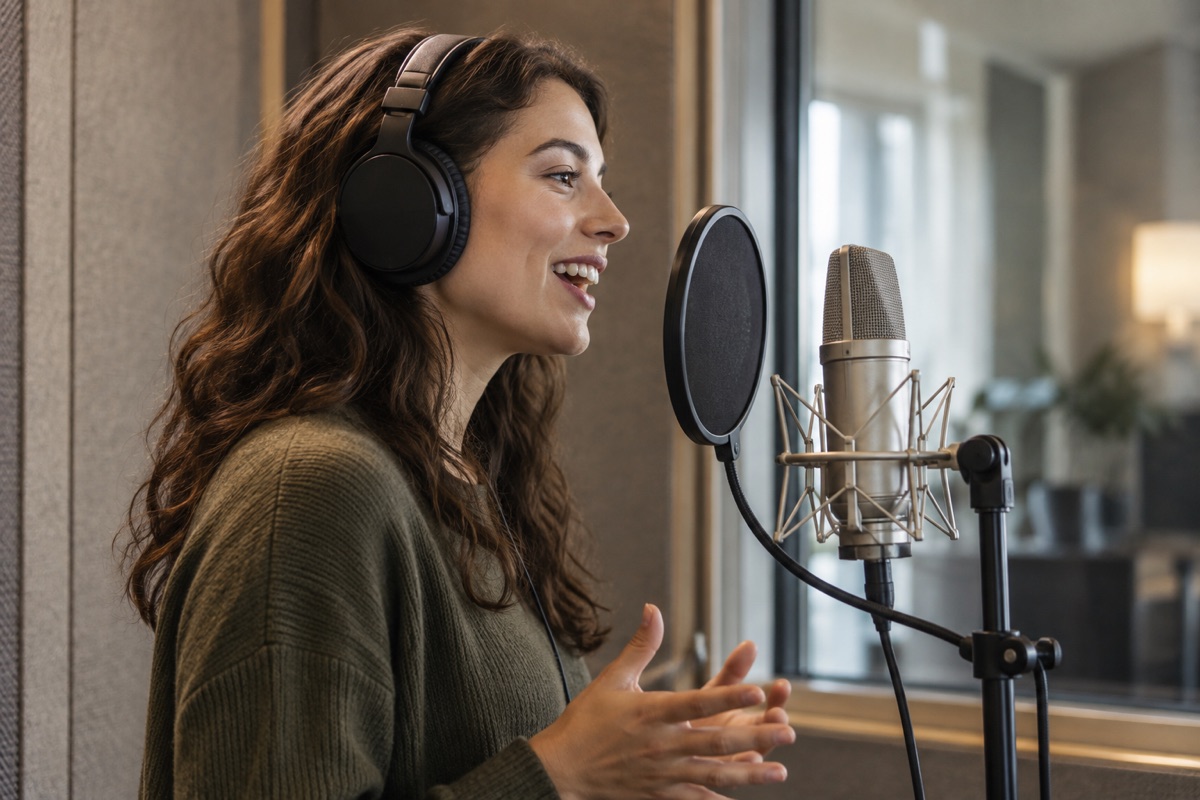
Choose spoken audio for a producer name, station announcement, podcast introduction or promotional message. The words lead the result. A background bed and effects support the voice, and a saved dry recording can be reused when you adjust the mix.
A brand line with melody and singing
Choose a sung jingle when melody and singing are part of the message. A brand line may need several candidates before the wording and musical phrasing work together. This is a different production task from reading a short script aloud.
How to use the AI Jingle Generator
01
Describe the message and its use
Share the exact name or words, the language, and where the audio will play. Add a pronunciation guide for an unusual name. A short beat signature needs a different pace from a show introduction or a spoken promotion.
02
Review the brief and the quote
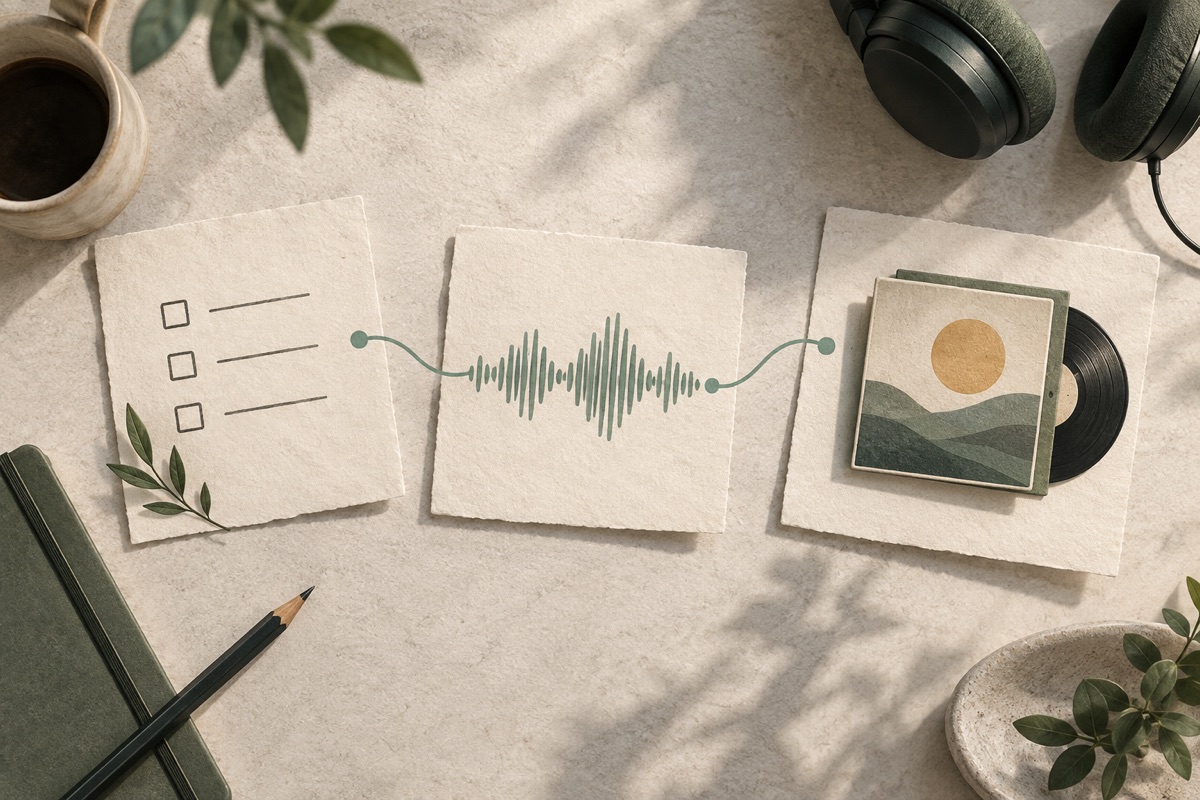
Check the script, delivery and intended sound before confirming production. If you have a recording, use it as the source instead of asking for a new voice. The quote should make clear which production or editing operation you are approving.
03
Listen to the voice and the mix
Check the name first, then the balance between the voice and the background. If pronunciation is wrong, request a new take. If the voice is right, ask to keep it while you change the background level, echo or ending.
04
Download and try it in context
Review the measured duration and download the available WAV result. Try it in the beat, programme or podcast where it will be used. Keep the earlier version until the revision works in context, and return to the project when you need another adjustment.
An AI jingle maker you can keep working with
Concept illustration.
Shape the words before you shape the sound
A useful jingle creator starts with a clear message. Tell the agent which words must stay, how the name should be pronounced and which part deserves emphasis. Keep one main idea in a short line instead of fitting several offers or slogans into the same clip.
Listen to the dry voice before judging the finished treatment. A louder background cannot fix an unclear name. Once the words sound right, you can make decisions about space, background and the ending with a reliable source.
Concept illustration.
Keep the voice you like and refine the mix
When a spoken take works, keep it. The remix workflow uses the saved dry recording while you adjust the available background, balance or effect tail. This lets you compare treatments without unexpectedly changing the original delivery.
Changing the words, voice or pronunciation creates a new vocal performance. Changing only the mix is a different operation, and the quote should reflect that distinction. Previous results remain associated with the project so you can compare them instead of rebuilding the brief from memory.
Concept illustration.
Return to the brief, the source and the versions
Keep the conversation and completed results together in your private account project. When a programme name changes or a mix needs a quieter background, reopen the work and explain the revision in context.
Saved creations are not automatically published to a public gallery. You decide where to use a downloaded result. Keep a record of your source recordings and the terms that apply to generated voices or music, especially when the audio is for a client or a public campaign.
Finish an existing recording with audio tools
Trim, join, adjust RMS level or fade a supported file locally in your browser. These tools export WAV and do not deduct generation credits.
New spoken audio, a sung jingle and a remix are different operations. Review the quote before confirming, and check the current pricing information for what is included. Browser audio editing does not deduct generation credits.
Use recordings and wording you have the right to provide. Before publishing generated audio, check the applicable voice, music and source terms. A downloadable file is not a guarantee of exclusive ownership or clearance for every use.
There are no verified public reviews to display yet.
AI Jingle Generator questions
What is an AI jingle generator?
It is a tool for making a short piece of audio from a name, script or brand message. In UEG Music, the task can be a spoken identity, such as a tag or station cue, or a sung brand jingle. Describe the result you need so the production follows the right path.
Is a jingle maker different from a song generator?
The task here starts with a short identity or message: a producer name, a programme introduction or a brand line. A spoken tag needs speech and a suitable mix. A sung jingle needs a musical performance. Decide what the listener needs to hear instead of treating every request as a complete song.
Is the AI jingle generator free?
Browser audio editing does not deduct generation credits. Voice and music production use the quote shown before confirmation. Check the current pricing page for any available trial allowance and the actual cost of each operation. The quote shows the operation and its cost before you commit.
Can I use my own voice?
Yes. Sign in and add a recording you have permission to use. The current upload workflow accepts a mono or stereo recording up to 25 MB and 120 seconds, converts supported input to WAV, and uses it as a private project source. Review the quote before requesting a mix.
Can I make both radio jingles and DJ drops?
Yes, they are different starting tasks within the same production workflow. A radio jingle may identify a station or connect programme moments. A DJ drop is usually a short name callout or message for a mix. The dedicated pages provide more focused examples and controls for each use.
Can I change the background without changing the voice?
The remix workflow reuses the saved dry voice. Ask to keep that recording while adjusting the background level or ending. If you change the script, voice or pronunciation, you need a new vocal take instead. Review the operation and its quote before confirming the revision.
What can I download?
The current workflow provides the available WAV results and displays the duration measured from the rendered audio. Do not assume that a requested length is a guaranteed final length. Listen to the result and inspect its ending before placing it into your music or programme.
Can I use the result commercially?
Check the terms for the voice or music service, the background sources, and any recording you upload. Intended use and source permissions matter. Read the usage information before publishing, and keep the source permissions with your project.
Will my audio appear publicly on UEG Music?
Saved conversations and owned results stay in your account workspace and are not automatically added to a public gallery or search sitemap. A file you download can be published by you elsewhere, but creating or saving a version does not itself publish that audio.
How long will my jingle take to finish?
Follow the task status shown in the workspace. Generation time depends on the requested operation and the available service, so there is no fixed completion-time promise. Keep the project open or return to it to check progress. If a submission is still being resolved, avoid sending the same paid request again. Once the task completes, listen to the actual file and check its measured duration.
Can I control pronunciation, pace and pauses?
Include a phonetic spelling for unfamiliar names, say which syllable matters, and keep the script easy to read aloud. You can describe a slower or more energetic delivery in the conversation. A change to pronunciation or speaking pace needs a new voice take; changing a background level does not. Review the next quote before confirming. Do not rely on punctuation to guarantee an exact pause length.
How do I choose a voice for my project?
Start with the qualities the message needs: calm, energetic, intimate or clearly announced. Available generated voices depend on the speech options connected to the workspace. When speech generation is unavailable, the tool says so; you can bring a recording you own for the upload-and-mix workflow. UEG does not offer voice cloning or promise to recreate the voice of a named performer.
Can I use UEG Music on a phone?
The pages adapt to a narrow screen, with navigation in a drawer and results below the conversation. For short files, you can prepare a brief, review a quote, listen and download in a compatible browser. Audio decoding and local editing depend on the device and browser. Keep the original recording and save a downloaded copy before closing a local editing page. A larger screen can make detailed comparisons easier.
Can I switch between the guided form and Agent?
Yes. The homepage starts with guided controls for a brief you already know, and you can switch to Agent when you want to describe or refine the idea in conversation. Both modes use the current project, quotes, tasks and version history. Switching modes does not itself confirm production or charge for another take. Check the specific operation and its quote before approving it, whichever mode you used to prepare the request.
Give your next project a recognizable sound
Start with one clear line or a recording you own. Review the quote, listen to the result and keep refining.